OVERVIEW
Turn Formidable Forms into a real-time, FileMaker-driven web application.
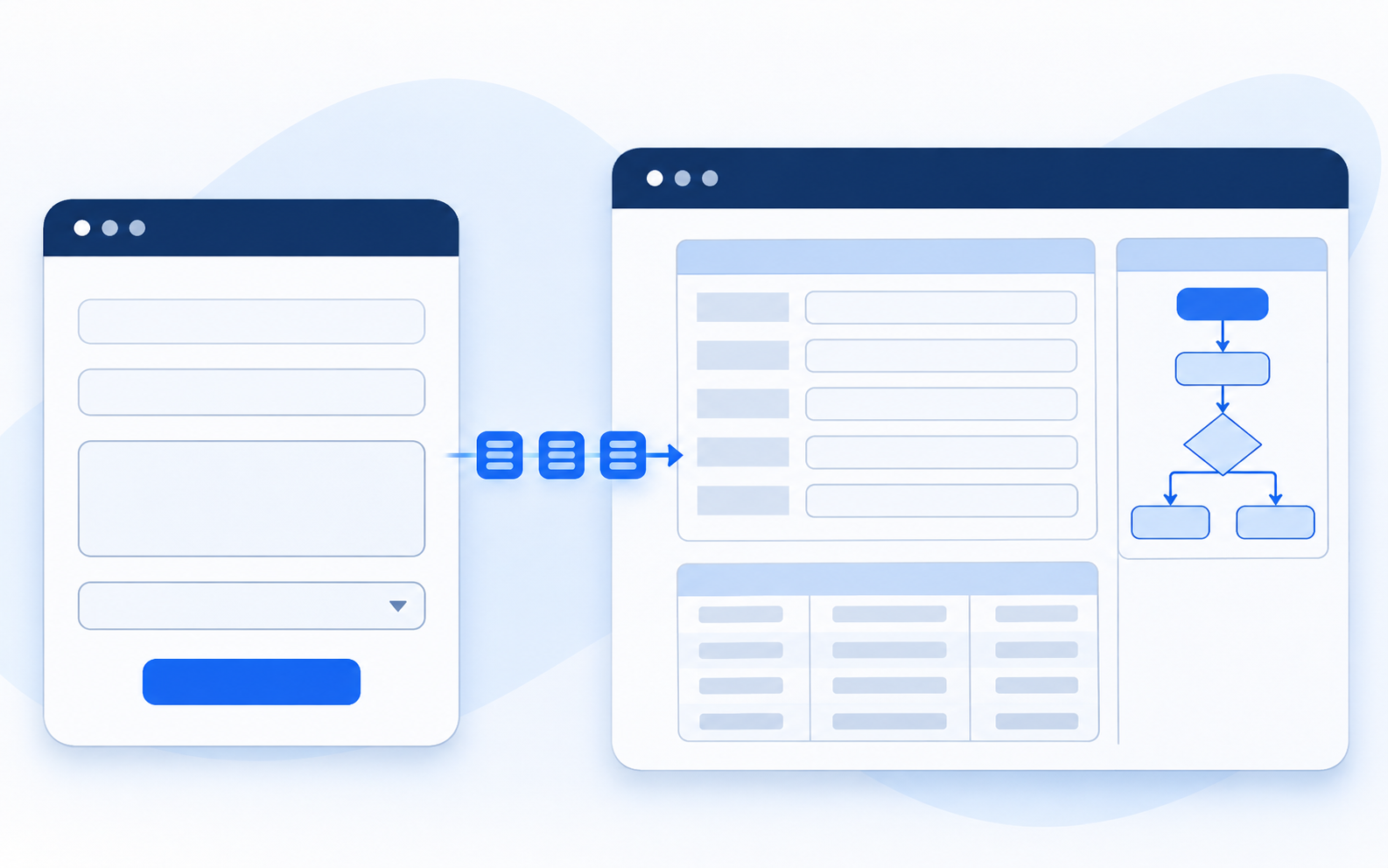
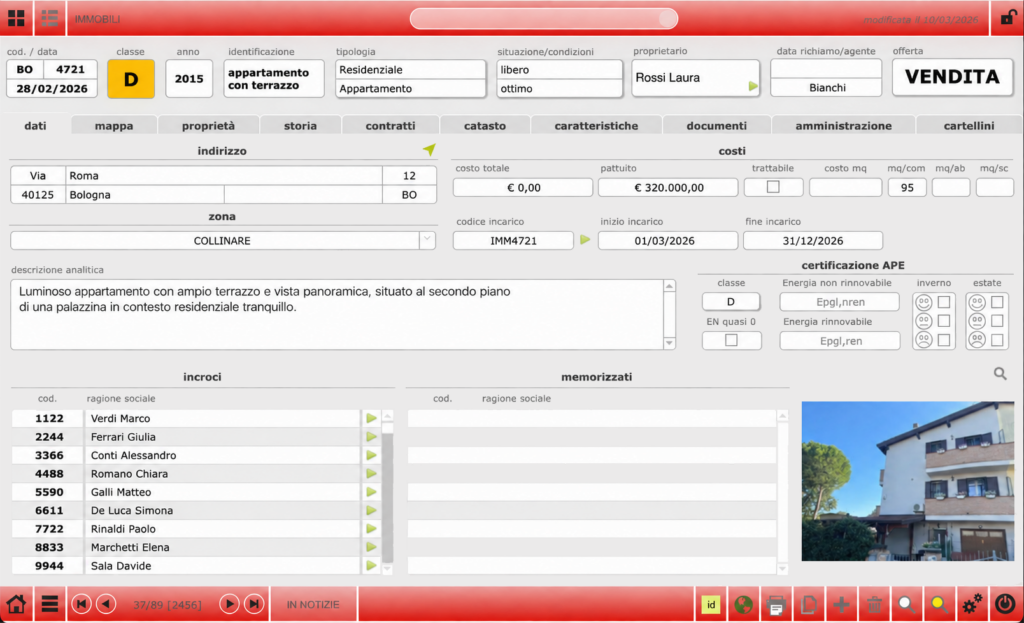
PAC Form Bridge is a two-way integration between WordPress and Claris FileMaker Server. FileMaker governs the workflow.
Professional responds to configured form events—when the form opens, when configured fields change, or when a PAC Action Button is used—while the visitor completes the form.
Through the FileMaker Data API, your Main Script applies your business rules and returns permitted responses: set or clear values, show or hide fields, enable or disable fields, replace options on supported fields, upload files to FileMaker Containers, or continue to a configured WooCommerce action.
What you can build with PAC Form Bridge.
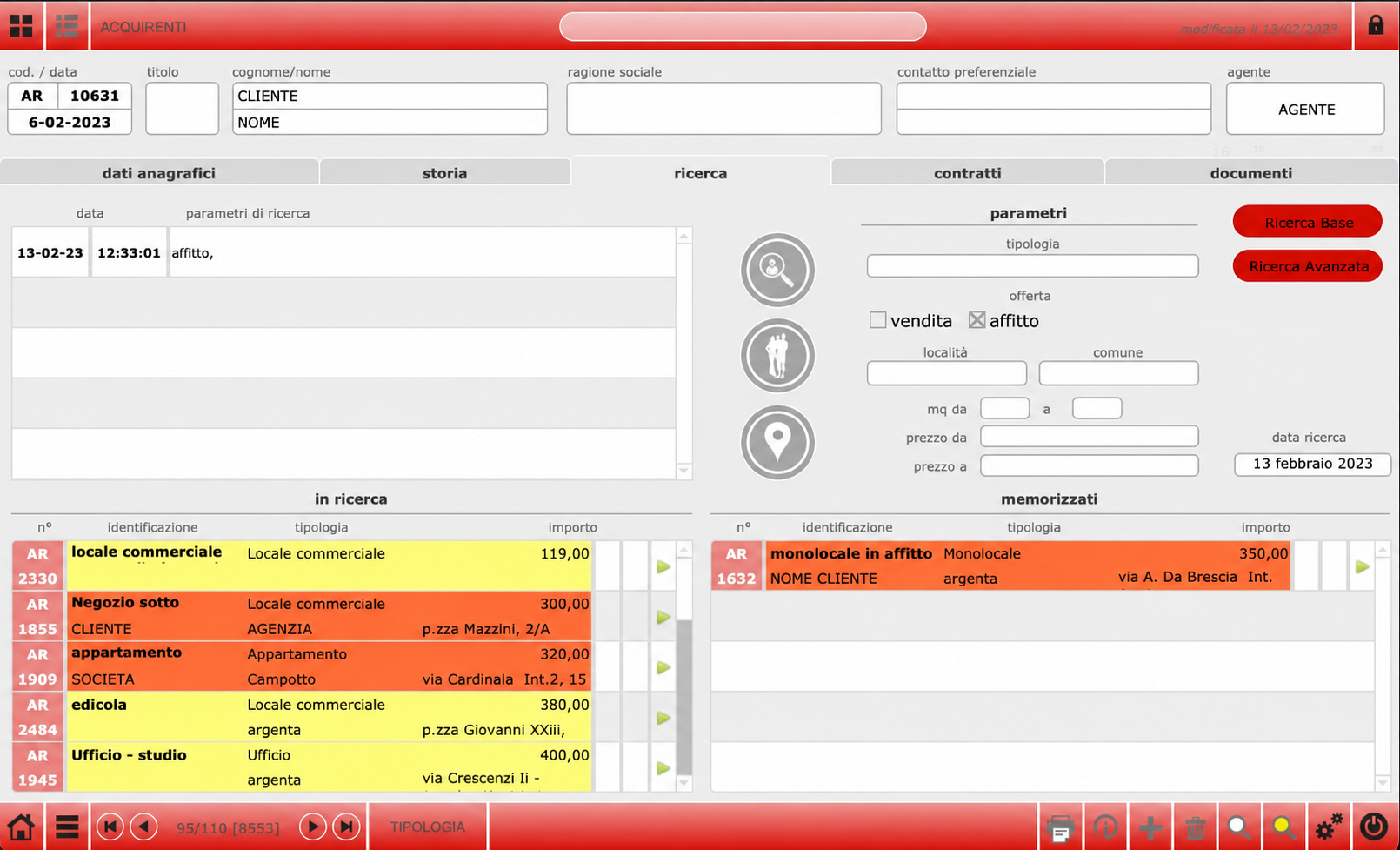
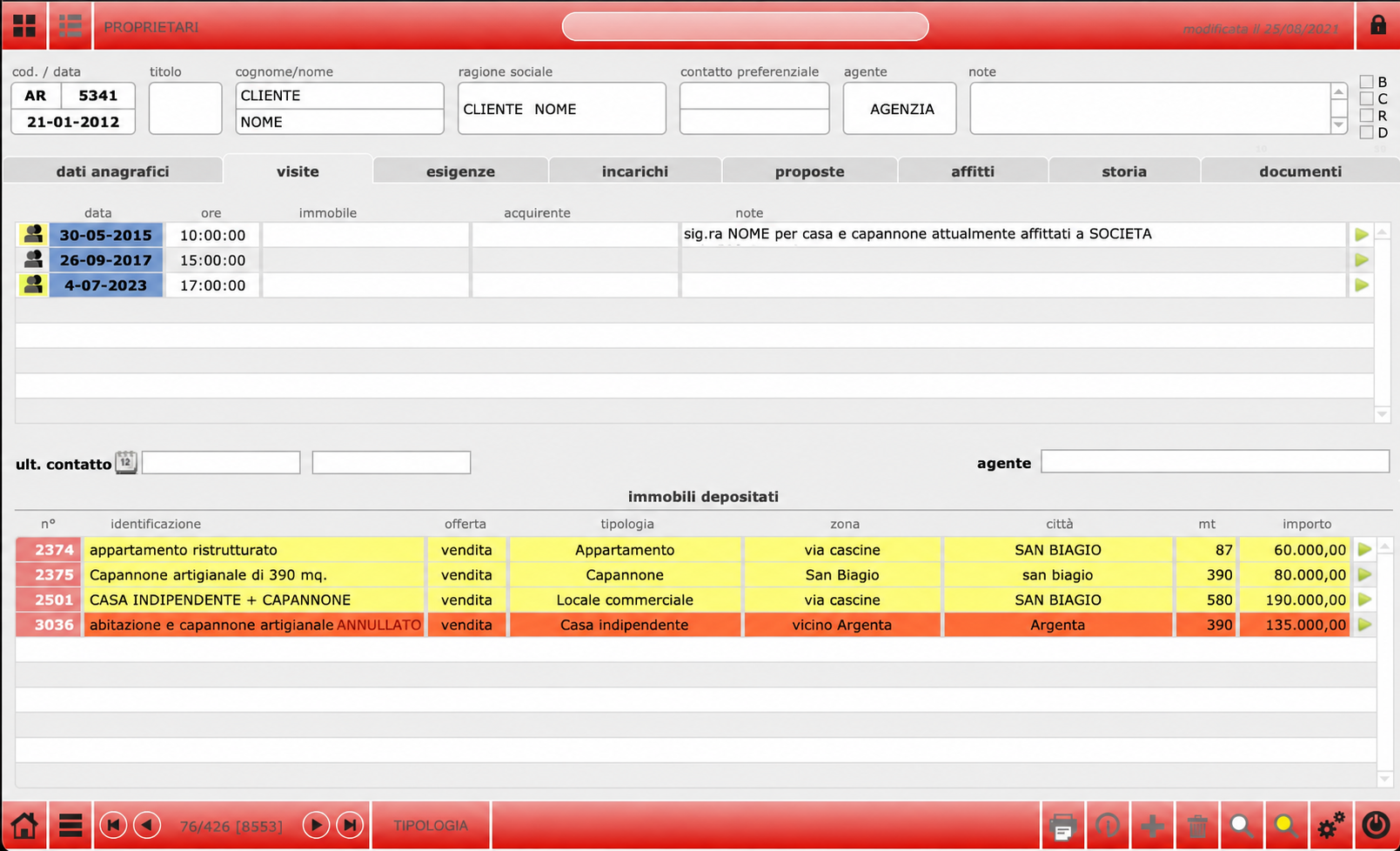
Guided product configurators and quote workflows are one example: FileMaker can calculate prices, evaluate compatibility and return allowed options. The same architecture supports smart interactive forms, while Formidable Forms Free remains the form layer and FileMaker remains responsible for calculations, validation, records and process decisions.
WHAT IT SOLVES
One form layer for data collection, decisions and next actions.
When a form needs more than a notification, PAC Form Bridge connects collection, FileMaker decisions and controlled next actions in one workflow.
Standard final delivery
Use the native Formidable Forms submit for a standard final delivery to FileMaker.
FileMaker-driven interactions
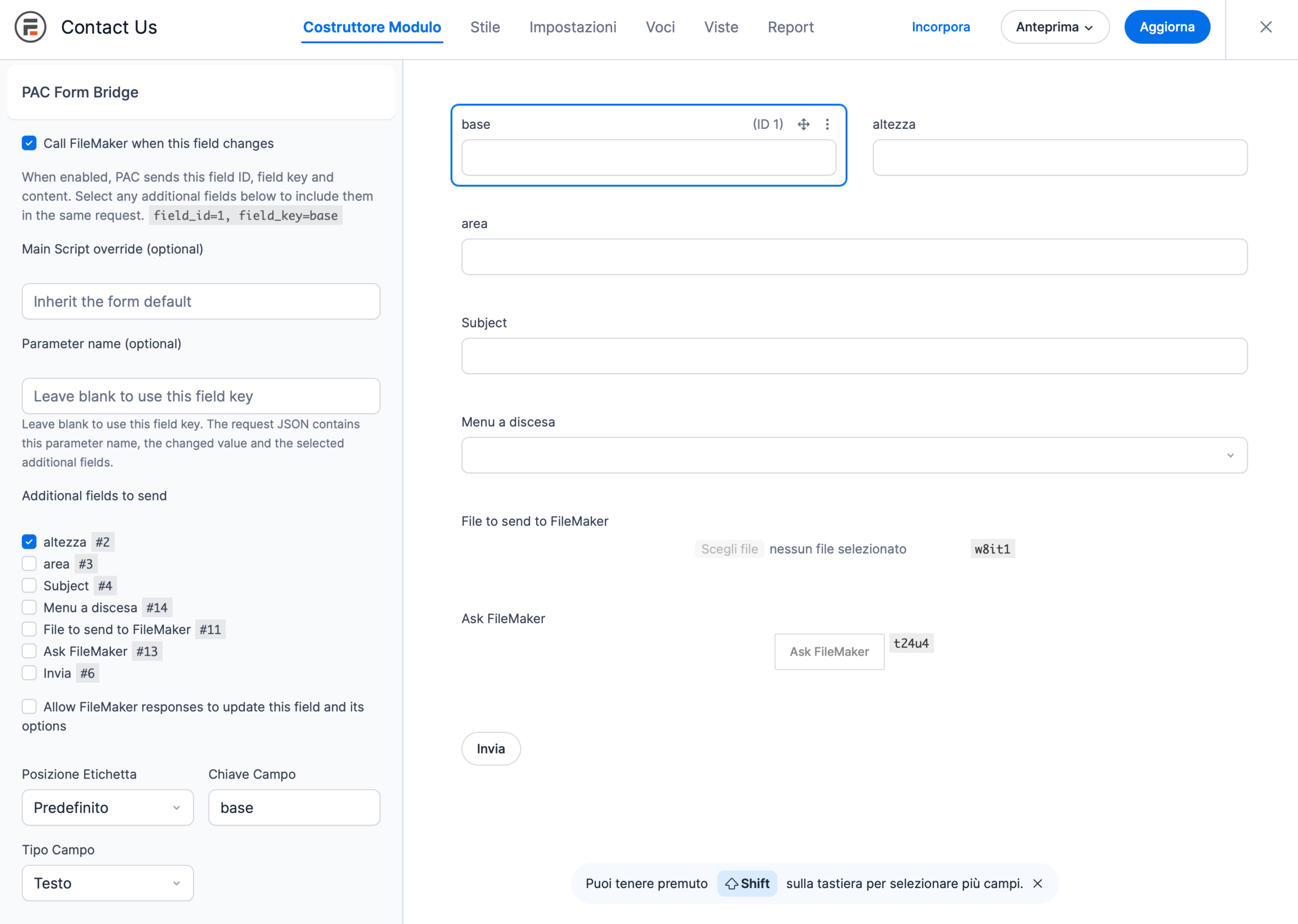
Call FileMaker when the form opens or when a configured field changes, using the connection inherited by that form.
Guided configuration and quote intake
FileMaker can replace options, set or clear values, show or hide fields, and enable or disable them. This supports guided quote and configuration flows while the rules remain in your Main Script.
Files and next actions
Professional can send files to an existing FileMaker Container record and, after a successful PAC Action Button call, optionally add a configured WooCommerce product to the cart.
HOW IT WORKS
One connection, several controlled interaction points.
01 — Create the form
Build your form in WordPress with Formidable Forms.
02 — Configure the connection
Configure the per-form FileMaker connection, then choose the interaction points you need: final submit, form open, field change or PAC Action Button.
03 — Add the delivery point
For Professional, configure the fields that may call FileMaker, the fields that may accept responses, and any upload or post-success behaviour.
04 — Let FileMaker work
FileMaker receives the event through the Data API and returns the JSON response that controls the next permitted form action or business process step.
Formidable Forms manages the interface. PAC Form Bridge carries the interaction. FileMaker manages the process.
USE CASES
For forms that need more than a notification.
Use the same bridge for lead intake, guided configurations, registrations, file-backed workflows and optional WooCommerce handoffs.
Sales enquiries
Collect an enquiry through Formidable Forms and route it into the sales process already organised in FileMaker.
Guided quotes and configurations
Let FileMaker return permitted options and values while the visitor completes the form. Pricing and compatibility rules remain in your solution.
Registrations and applications
Use Formidable Forms as the collection point for registrations, applications or requests managed by your FileMaker database.
Files, cart and follow-up
Upload files to an existing FileMaker Container record, redirect after success, or add a configured WooCommerce product to the cart when the workflow calls for it.
THE MAIN SCRIPT
FileMaker is the rule engine. PAC Form Bridge carries the interaction.
PAC Form Bridge does not replace Formidable Forms or your FileMaker solution, and it does not impose your table structure or record model.
Professional requests identify form_open, field_change or button events according to the pac-form-bridge/1 protocol. Your Main Script can interpret logical field_key values and return ordered actions for the configured fields.
Receive a final submission or selected form fields in the configured Main Script.
Use logical field keys to connect the request to your FileMaker solution.
Return JSON actions that can set or clear values, show or hide fields, enable or disable them, or replace permitted options.
Keep calculations, validation, records and application decisions in FileMaker.
ARCHITECTURE
Formidable Forms is the interface. FileMaker is the process engine.
WordPress
Use WordPress and Formidable Forms to build the form experience, organise fields and collect the data the visitor must submit.
PAC Form Bridge
Configure PAC Form Bridge in the individual Formidable Forms form and choose when the connection is called.
FileMaker Server receives the request through the Data API and runs the Main Script for the event.
Return the response that drives the permitted form update or continues the business process.
WooCommerce can be an optional next step when a successful PAC Action Button call adds a configured product to the cart.
Apply checks, records, notifications and next steps according to your project’s rules.
SECURITY
Formidable Forms on the site. Sensitive configuration on the server.
FileMaker credentials are never exposed in the browser. PAC Form Bridge stores the Formidable Forms configuration on the WordPress server, protects the password with the mechanisms available in the installation, and uses HTTPS with certificate verification for requests to FileMaker.
The connection is defined for each Formidable Forms form. This keeps project contexts separate and makes it clearer which form uses which FileMaker destination.
Server-side credentials only.
Password encrypted in the WordPress configuration.
HTTPS communication with certificate verification.
No redirects for authenticated requests.
Support for private hostnames or IP addresses where the environment permits it and the certificate is verified correctly.
REQUIREMENTS
What you need for a FileMaker-driven Formidable Forms workflow.
A compatible WordPress installation with PHP 7.4+ and Sodium or OpenSSL available.
Free Formidable Forms installed and active.
PAC Form Bridge for Formidable Forms.
Claris FileMaker Server with the FileMaker Data API available.
A FileMaker database, layout and account enabled for the Data API.
A Main Script prepared to receive the request.
A WordPress site able to reach FileMaker Server through verified HTTPS. Container uploads require an existing FileMaker record and Container field; cart mode requires WooCommerce.
Formidable Forms Free is sufficient for the documented integration. Professional adds FileMaker-driven interactions; Formidable Forms Pro is not required for the core workflow.
SETUP
From the first connection to the first controlled interaction.
01
Install and activate free Formidable Forms.
02
Install and activate PAC Form Bridge.
03
Open the form and go to Settings → Actions & Notifications.
04
Add the PAC Form Bridge Form Action and configure the FileMaker connection for this form.
05
Set the Main Script, then choose any field-change, form-open, upload or post-success options required by the workflow.
06
Run the connection test and the Main Script test before testing the form.
07
Add the PAC Action Button, or enable the native submit as the final PAC action, and test the complete flow before production.
The documentation page covers the request, response and setup details. Before production use, verify the form behaviour, FileMaker response, record handling and complete data flow.
Free and Professional editions
Free provides standard final delivery from Formidable Forms to FileMaker. Professional adds the interactive layer: form-open and field-change calls, response actions, uploads and post-success options.
Feature
Free
Professional
Free Formidable Forms as the integration platform
✓
✓
Direct connection to the FileMaker Data API
✓
✓
Configuration for each Formidable Forms form
✓
✓
Standard final delivery from the Formidable Forms submit
✓
✓
Field-change and form-open interactions
—
✓
FileMaker response actions for values, options, visibility and field state
—
✓
PAC Action Button, post-success behaviour and optional WooCommerce cart handoff
—
✓
PAC File Upload to an existing FileMaker Container record
—
✓
Both editions connect Formidable Forms to FileMaker. Professional adds FileMaker-driven interactions, response actions, uploads and post-success options. See the documentation for the complete technical matrix.
Looking for the complete feature matrix?
FREQUENTLY ASKED QUESTIONS
Frequently asked questions.
Does PAC Form Bridge require Formidable Forms Pro?
No. Formidable Forms Free is sufficient for the standard PAC Form Bridge connection and final submission. PAC Form Bridge Professional adds the FileMaker-driven interactive features.
Where is the connection configured?
In the individual form, under Settings → Actions & Notifications, by adding the PAC Form Bridge Form Action. There is no need to create a global FileMaker profile.
Can I use the plugin for automatic calls on every field change?
Yes, with Professional. Configure a field-change trigger for each field that should call FileMaker. When the value changes, PAC Form Bridge sends the configured context to the Main Script, and FileMaker can return permitted actions such as setting or clearing values, replacing options, showing or hiding fields, or enabling or disabling them. The behaviour is configurable per field; the plugin does not call FileMaker for fields or changes you have not configured.
Does PAC Form Bridge modify FileMaker tables directly?
No. PAC Form Bridge calls the Main Script through the FileMaker Data API. The FileMaker solution decides how to read, validate and write data.
Do FileMaker credentials reach the browser?
No. Configuration and credentials remain on the WordPress server.
Can PAC Form Bridge support guided quote or configuration workflows?
Yes, when the workflow is implemented in FileMaker. A configured field can call the Main Script when its value changes, and FileMaker can return permitted options or field updates. PAC Form Bridge transports the interaction; pricing, compatibility and business rules remain in your solution.
Connect the form to the process behind it.
Tell us whether you need standard submission, guided form interactions, Container uploads or an optional WooCommerce handoff. We will start from your FileMaker workflow and identify the right PAC Form Bridge configuration.
PAC TOOLS
Explore PAC tools.